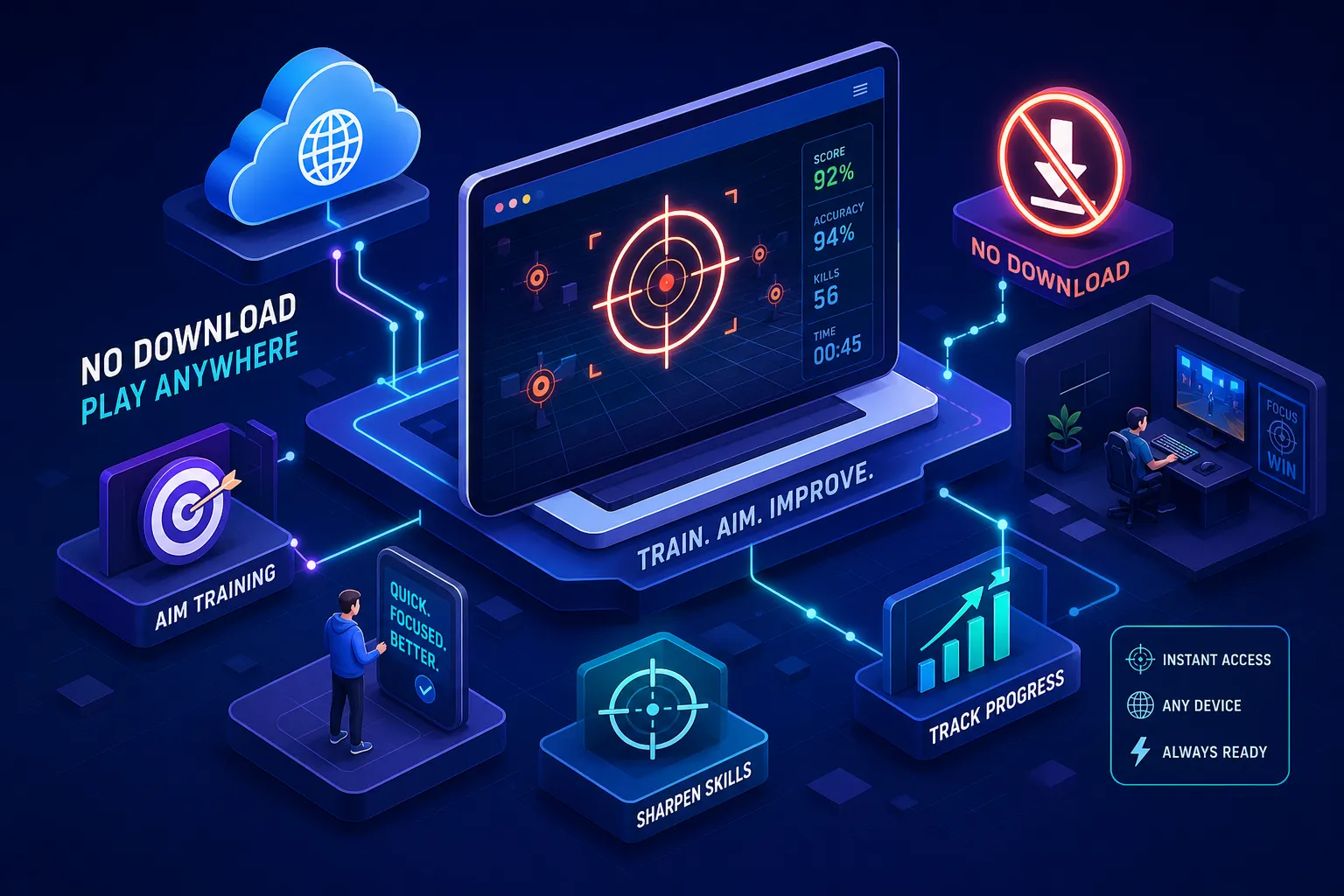
Install friction is the real reason most players never build a consistent aim practice routine. You decide to train, search for a tool, download it, create an account, configure your sensitivity, and by the time you are ready to click a single target, the motivation is gone. A no-download aim trainer removes that friction and gets you training in seconds.
That is what browser-based aim trainers solve. Open a tab, pick a drill, and you are training. [AimTrainersPro](/) is built around that idea: zero download, zero registration, and you are in a live session almost immediately. No Steam, no launcher, no setup.
This guide covers which browser aim trainers are worth your time, the features that separate the useful ones from the useless ones, and a focused 5-to-10-minute warm-up you can run on any device before your next ranked match.
Why setup friction stops most players from training
Desktop aim trainers are not bad software. But they require a download, account creation, and settings configuration before any practice happens. Each step feels minor on its own. Together, they kill the habit before it forms. This is not a discipline problem; it is a design problem: the more steps between a decision and an action, the less often the action happens.
Think about who actually plays FPS games: students on school computers, office workers training on a lunch break, casual players switching between a laptop and a desktop. For many of them a desktop install is not just inconvenient, it is impossible. A trainer you use three times a week beats one you use three times a year, and access is what drives that consistency.
What makes a no-download aim trainer worth using
Drill variety comes first. Flick shots train the snap accuracy you need when an enemy steps out unexpectedly. Tracking trains smooth follow-through on moving targets. Target switching trains transitioning between multiple enemies quickly. A trainer worth using offers all three, not just a static-dot clicker. If it only tests how fast you can click one dot, it is a benchmark, not a trainer. For a primer on the basics coaches recommend, see this getting-started guide.
Analytics come second. A score tells you how one session went; progress data such as accuracy over time, average reaction time, and consistency across sessions tells you whether you are actually improving. If a trainer does not track your numbers across sessions, you are flying blind.
Sensitivity matching comes third. Muscle memory is built around a specific movement distance, so if your training sensitivity does not match your game, you are training the wrong movement. A good browser trainer lets you input your DPI and in-game sensitivity to approximate the feel of CS2 or Valorant. Our sensitivity settings guide walks through DPI, eDPI and cm/360 conversion.
The best no-download aim trainers right now
AimTrainersPro is the strongest option for players who want a complete platform without friction. It covers flick shots, tracking, target switching, strafe peeking and reflex testing in one place. An in-app AI Coach gives mode-specific feedback after each session, multiple difficulty levels let you scale target size, speed and session length, and an analytics dashboard tracks accuracy, reaction time and consistency over time, all in a browser tab with no registration.
Aiming.Pro and 3D Aim Trainer are legitimate alternatives with deep drill libraries, detailed post-drill metrics and public leaderboards. Neither requires a download, though both ask for more account setup before you see structured feedback. They are worth trying, especially if competitive leaderboard ranking motivates you.
For a quick gut-check, Aimtrainer.io offers custom challenge modes, and Human Benchmark runs a single 30-target click test. Use them for what they are: benchmarks, not training systems that track improvement over weeks.
Who benefits most from no-install training
School computers, library PCs and work laptops almost universally block installations. For students and anyone without admin access on their device, a browser trainer is not a preference, it is the only option. Most aim-training advice assumes a personal gaming PC at home, which is not the reality for a large share of the FPS audience. If the device has a browser and a mouse, training is possible, even when "just download Aim Lab" is not.
Casual players benefit too. If you play a few nights a week and just want to stop losing early gunfights, a 5-to-10-minute session before queuing is the right intervention, not an hour of structured practice. The no-download format removes the one excuse that kills consistency: I do not have time to set it up. When the tool is one tab away, that excuse disappears.
A 10-minute browser warm-up routine
Minutes 1-3: start with flick shots. The goal early is activation, not perfect accuracy. Get the hand moving and the eyes calibrated, keep targets medium-sized, and let speed come naturally. In low-TTK games like CS2 and Valorant, first-shot accuracy is often decisive, so this rehearses your most critical mechanic.
Minutes 4-7: move to tracking for smooth follow-through, then target switching to practise transitioning between enemies. This block builds the composite skills that carry over most directly to real matches.
Minutes 8-10: review your session analytics. Look at accuracy, average reaction time and consistency, then pick one metric to improve next session. Reviewing your numbers after each session tends to beat repeating drills blindly, and it takes about 90 seconds.
Frictionless practice compounds faster than you expect
Short, frequent sessions retain skill better than rare long ones, which is how motor learning works. Frequency builds muscle memory; intensity without frequency just exhausts you. The easier training is to start, the more often it happens, and that is the entire point of a no-download trainer.
Great aim practice does not require a download, an account, or a gaming PC. It requires a browser and a few focused minutes. Open a [no-download aim trainer](/) like AimTrainersPro, pick a scenario, train for ten minutes, and track your metrics across the week. Stop waiting for the perfect setup, the tab is already there.